
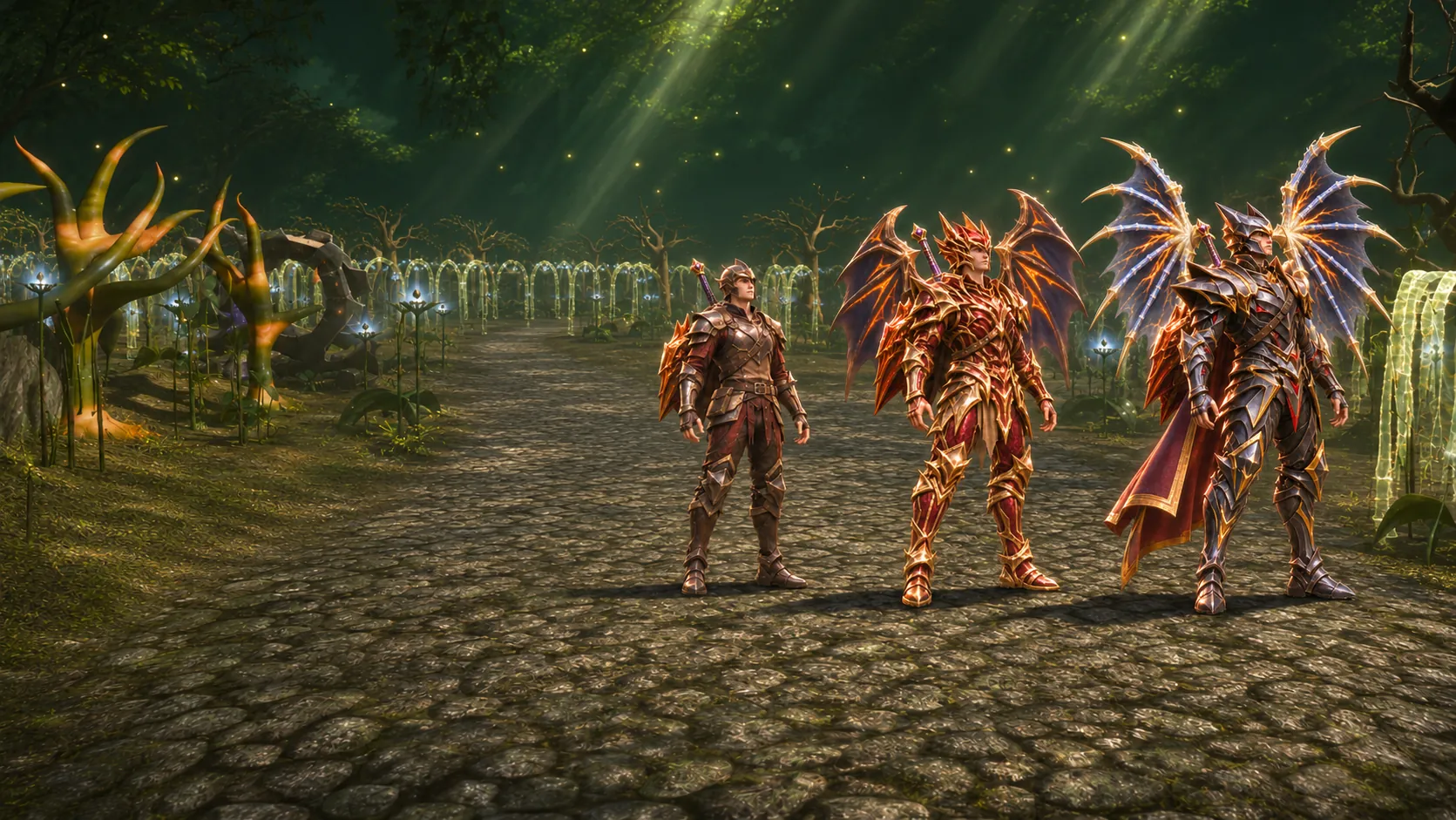
Free to play
Play now
The same account and the same character on PC, on mobile and in the browser.
Windows
Two ways to install: the installer downloads the game the first time you open it; the full package (399 MB) already has the whole game, for slow internet or several computers.
The first time, the launcher downloads the game (399 MB): under 2 minutes on a 100 Mb/s connection, about 6 minutes on a 10 Mb/s one.
- 1
Open the downloaded file.
- 2
Install it: if Windows shows a warning, click "More info" and then "Run anyway".
- 3
Open the launcher and sign in with your account: it downloads the game and keeps everything up to date.
Verify the file
SHA-256 490a247a1e56d5fabe6716440c757a87a2049f8f9cd577017305bc4a3da0c97a
Linux
MU UNIT on Linux is the same client as on Windows, running through Wine, which the installer downloads and sets up on its own.
- 1
Download the .deb file.
- 2
Open the downloaded file: double-clicking it opens your system's app store.
- 3
Click Install.
- 4
Open MU UNIT from the applications menu: the first time, it downloads Wine and the game on its own.
Other distributions
curl --proto '=https' --tlsv1.2 -fsSL https://arquivos.muunit.com/cliente/linux/instalar.sh | bashinstalar.sh SHA-256 6e84021bd0928debf446cee9fd6ddb1b9b8533942c5759f4e2597fecadb47e2d
Verify the file
SHA-256 fbb8379a4ea2ac940e55225541163747a7234fa6bc195e69a6b185089088d61e
Minimum requirements
Windows
- System: Windows 10 or newer, 64-bit
- Memory: 2 GB of RAM
- Processor: Dual Core
- Disk space: 10 GB free
- Internet: Internet connection
Linux
- System: 64-bit (x86_64): Ubuntu 22.04 or newer, Debian 12 or newer, Fedora 39 or newer, Arch and derivatives
- Memory: 8 GB or more
- Graphics card: Graphics card with OpenGL 3
- Disk space: 4 GB free
Trouble downloading or installing?
- If your antivirus blocks the game, add the install folder to its exceptions and open the launcher again.
- If Windows shows "Windows protected your PC", click More info: the publisher is UNIT GAMES LTDA. Then click Run anyway.
- The first time you open MU UNIT, it downloads Wine and the game: use a stable connection and wait for it to finish before signing in.
- Double-clicking the .deb file did not open your system's app store? Use the "Other distributions" command in the terminal.
Enter the game
Create your free account
Create your account or sign in inside the launcher: on PC, on mobile or in the browser.