
Free to play
Play now
The same account and the same character on PC, on mobile and in the browser.
Android

Point your phone's camera at the code: this page opens there, right at the Android step.
- 1
Download the APK and open the downloaded file.
- 2
If Android asks, allow installing apps from this source (your browser or the Files app).
- 3
Tap Install. If Play Protect warns you, tap "More details" and then "Install anyway": the app is ours, it's just not in the store yet.
- 4
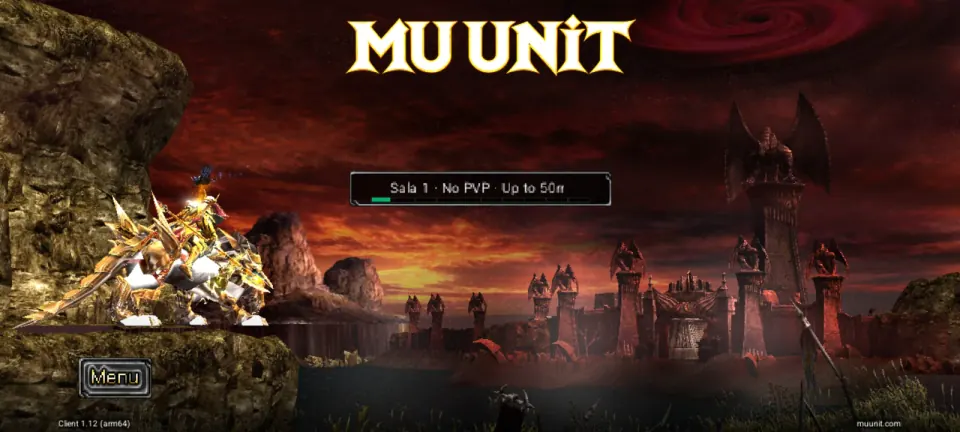
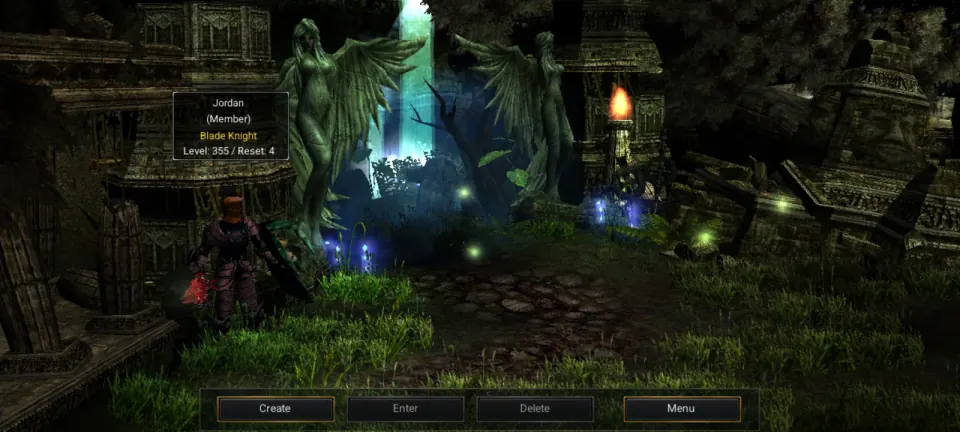
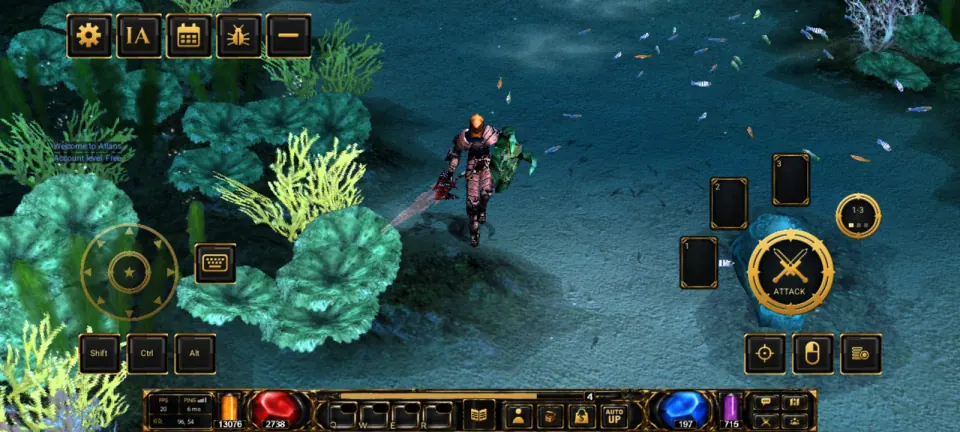
Open MU UNIT and sign in with your site account. The first time, it downloads the game: use Wi-Fi if you can.
Verify the file
SHA-256 7a04c43df61533c17324dffe320a5e85d6757c3067c968941639f77c4f8ca3bd
iPhone and iPad
The iPhone and iPad app is in development. For now, play in the browser with the same account.
How it works
Trouble downloading or installing?
- Can't find the file? It's in Downloads: open it from the browser notification or from the files app.
- Did Android block the install? In Settings › Apps › Special app access › Install unknown apps, allow the browser you used.
- The first time you open it, the app downloads the game: use Wi-Fi if you can and wait for it to finish before logging in.
Enter the game
Create your free account
Create your account or sign in inside the launcher: on PC, on mobile or in the browser.